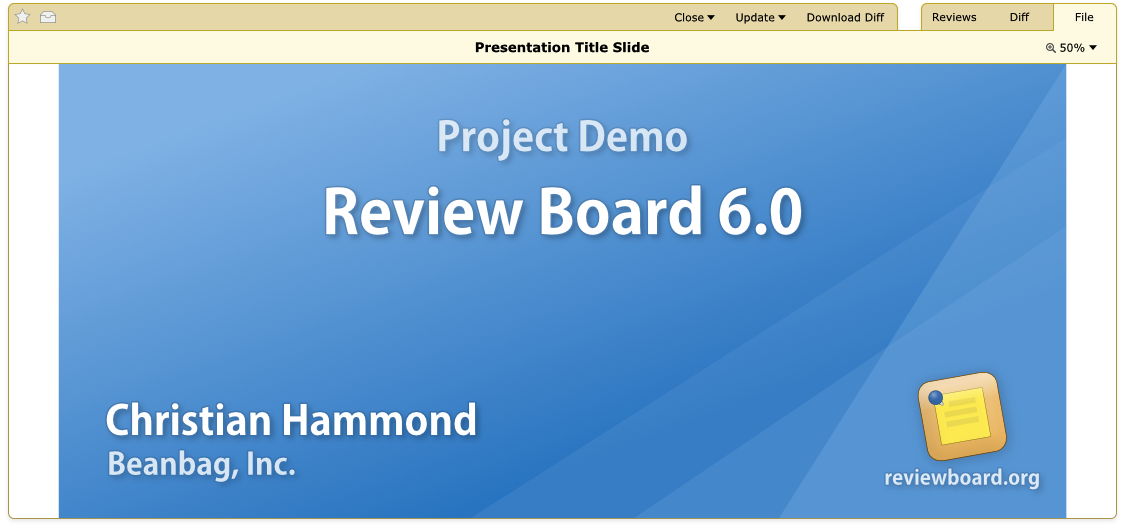
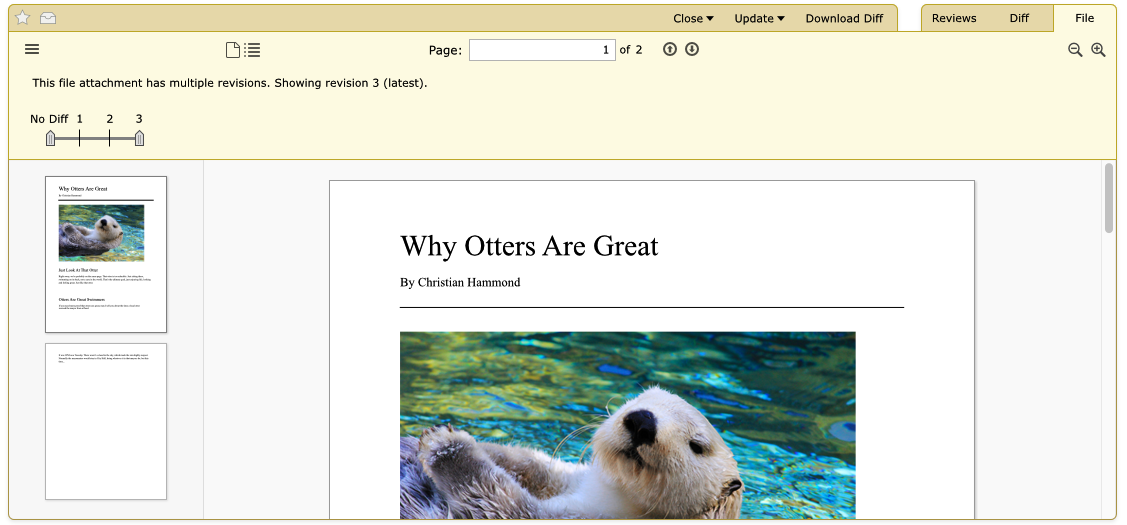
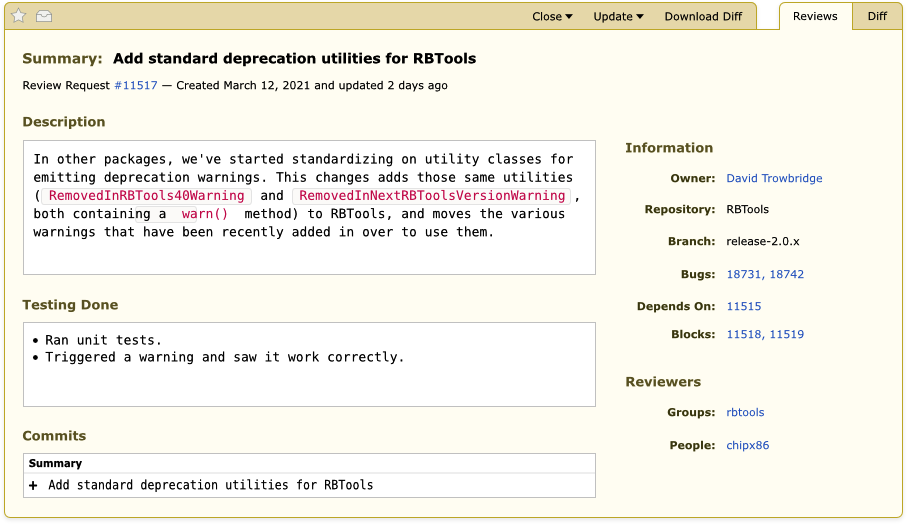
Projects are often more than just a collection of source code. With
Review Board, you can review screenshots, documentation, schematics,
presentations, contracts, diagrams, and just about anything else, all
in one place.
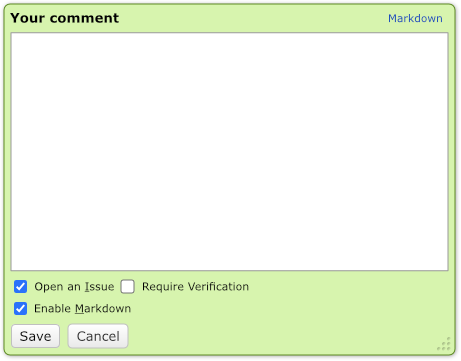
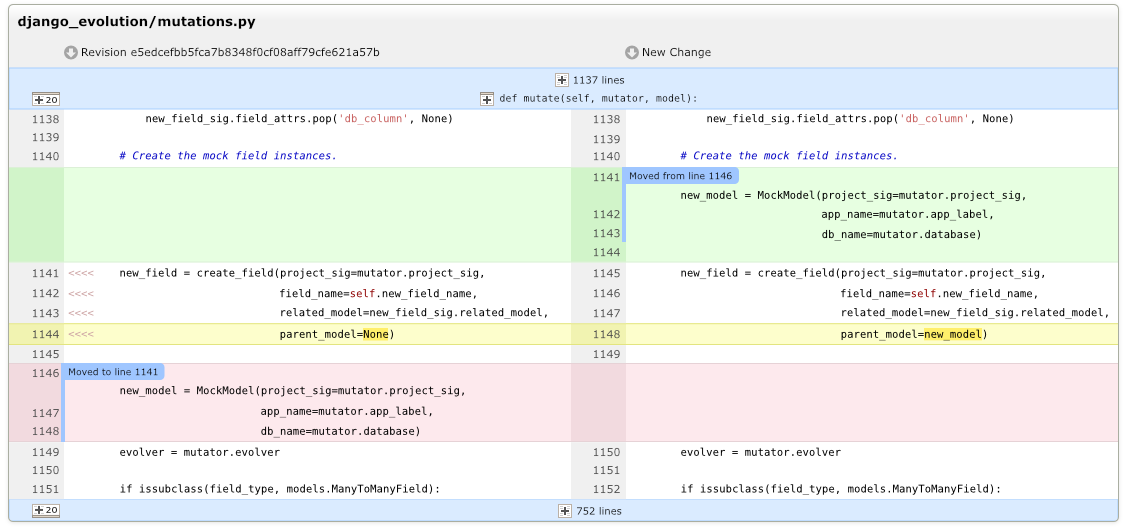
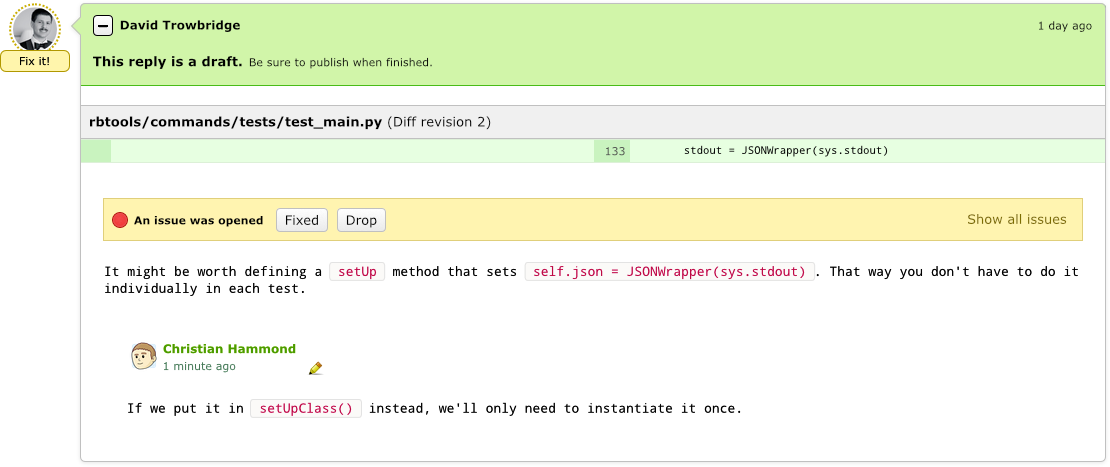
Each review is a discussion, with comments showing the lines of code or
sections of documents or assets the reviewer was focused on. Discussions
take place right in the review, so your whole team can follow along and
participate.
Comments may open issues, To Do items that must be addressed before
the work is accepted. This way, no important task gets missed.
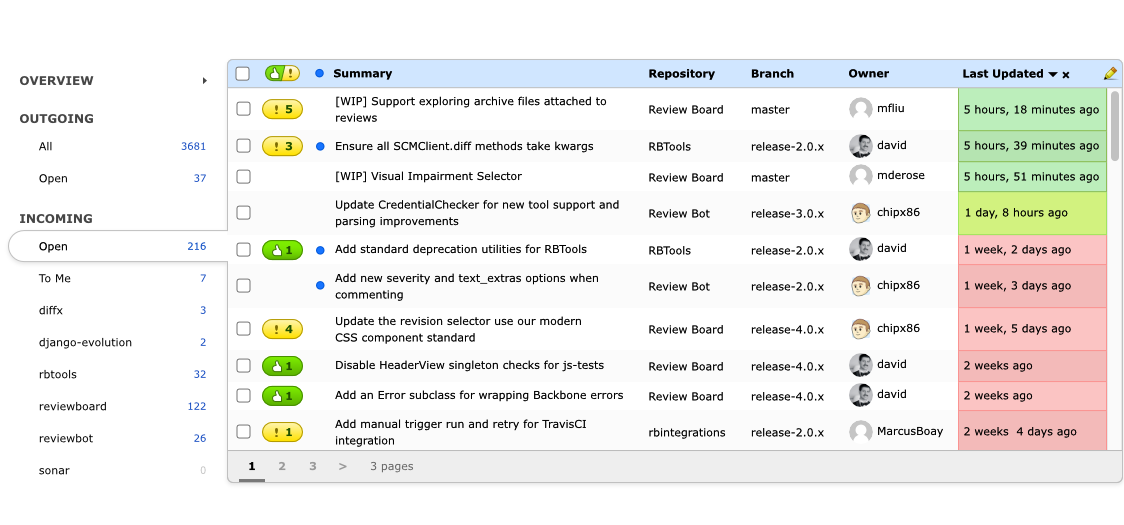
Review Board gives you a birds-eye-view of everything that matters for
your day. The customizable Dashboard lists every review request waiting
for your review, and every review request waiting for reviews from others.
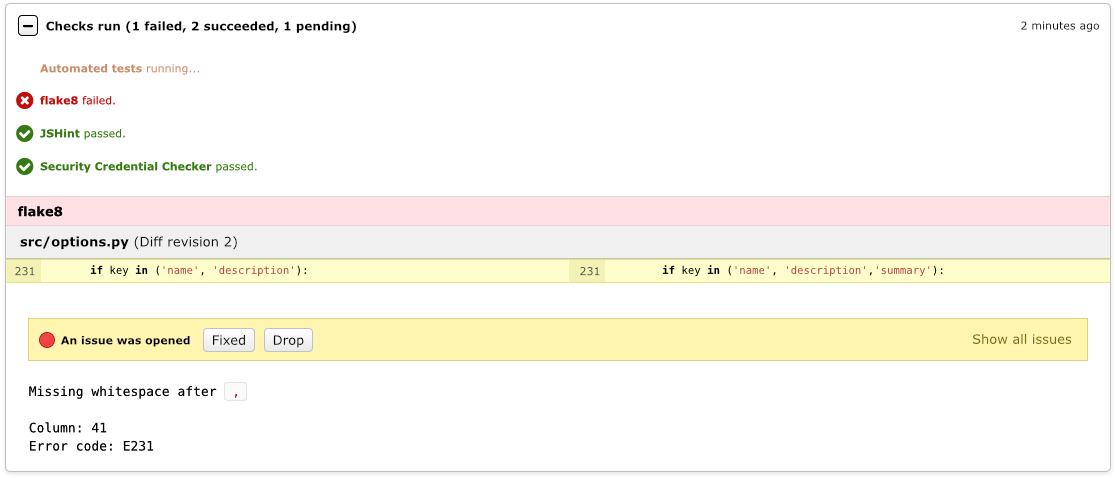
Review Board integrates with Continuous Integration and code checking
solutions to provide automatic reviews on your code.
Jenkins, CircleCI, and Travis-CI are supported out of the box, and with our
free Review Bot add-on, you can connect to
a wider collection of tools, and even craft your own.
Command line users will love it
Our RBTools command line tools can be used to post changes for review, land
changes in your tree, test out other users' reviews, check the status of
your review requests, and much more.
Its built-in Python API can be used to craft custom solutions, IDE
integrations, and automations useful to your team.
Integrate with the services you're already using
Our users are important to us, and we work hard to provide world-class
support. We'll help your IT team keep things running smoothly, and we'll
be there any time you need us.
We have several support options to fit your needs.
With our RBCommons cloud offering,
Docker images, and detailed Linux installation instructions, it's easy
to get started today.